Models on your computer
Run local models through Ollama on every supported platform. Windows also offers a built-in engine and a one-step setup.
Local inference works offline after downloading modelsFrom the first thought to the finished result.
Local models, a team of agents and your tools — together in one app.
Windows · macOS · Linux · No subscription required for local inference
01 / POSSIBILITIES
Choose the models and tools that fit your task.
Run local models through Ollama on every supported platform. Windows also offers a built-in engine and a one-step setup.
Local inference works offline after downloading modelsA coordinator assigns suitable parts of a task to specialists. Watch their progress while the main model combines their results.
Up to two specialists · Speed depends on your model and hardwareConnect MCP servers and Markdown Skills. The built-in Workspace lets models read your projects with your chosen permissions.
MCP · Skills · Action approvals02 / INSIDE THE APP
Start with local chat. Add tools and cloud models whenever you need them.
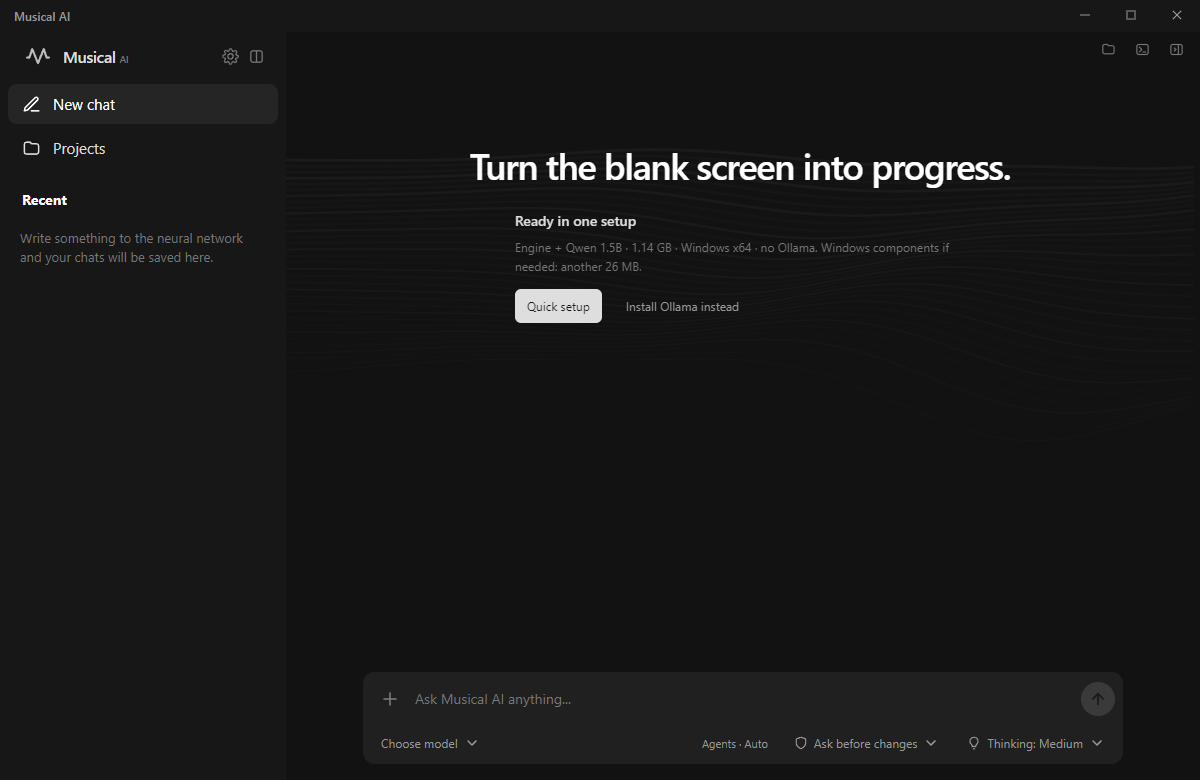
Windows Quick setup downloads the engine and Qwen 1.5B. On macOS and Linux, install Ollama and choose a model.
Models download separately. Larger models need more memory.
03 / YOU ARE IN CONTROL
Local requests run on your computer. With Cloud selected, messages and attached context go to Ollama, as indicated in the app.
Choose tool permissions. Planning mode disables MCP calls; approval mode shows each proposed action before it runs.
A calm interface, animated strings and Discord Activity. Shape your workspace around the way you work.

READY FOR YOUR FIRST IDEA?
Choose your system and install MultiMind.
x64 · Installer
Download for Windows Portable ↗Apple Silicon · arm64
Download for macOS Intel Mac ↗x64 · AppImage
Download for Linux Ubuntu / Debian (.deb) ↗Version 1.20.0
On macOS and Linux, install Ollama for local models or connect Ollama Cloud. Windows also supports the built-in engine.
macOS builds are unsigned and not notarized by Apple.
A FEW MORE QUESTIONS
Local inference requires no subscription. Ollama Cloud is a separate service with its own free limits, plans and payments on ollama.com.
Small models can run on a CPU. Speed and model size depend on your hardware and available memory. Cloud models do not need a local GPU.
On Windows x64, it downloads llama.cpp and Qwen 2.5 1.5B: about 1.14 GB, plus Microsoft Visual C++ components if needed. macOS and Linux use Ollama for local models.
Linux: install the .deb on Ubuntu/Debian, or make the AppImage executable and run it (FUSE may be required). Mac: open the DMG and drag MultiMind to Applications. macOS may require approval in Privacy & Security for the unsigned app.
Open GitHub Issues and include the app version, model and steps to reproduce. GitHub Issues ↗